
Is one hardware wallet enough?
A hardware wallet is a signing device for your digital assets. When we think about how many locks, checks, or keys have been used historically to protect our valuables, the more valuable something is, the more keys, checks, and redundancy are built into securing that. Your bitcoin is no exception.
For digital assets you intend to frequently spend, one hardware wallet can be enough to protect them. A position you intend to hold for decades is recommended to be protected by more than one device, because any single device can be lost, damaged, retired, or compromised. Casa's answer to holding digital assets like bitcoin and ethereum for the long term is a 3-key vault. In a 3-key multisig vault, you hold two of the three keys and Casa holds the third. Any two keys can sign transactions, so losing one key does not cost you access to your bitcoin.
The fastest way to work out which security system works best for you is to think about how you would secure your bitcoin if it was 10x its current value..
There are four threats bitcoiners need to be aware of when securing their bitcoin in self-custody: Social engineering, a phished device, a physical attack, and a lost seed phrase.
Why hardware wallets were revolutionary
SatoshiLabs shipped the Trezor One in 2014, and the category changed key security for everyone who used one. A hardware wallet generates and stores your private keys on a small dedicated device, shows transaction details on its own screen, and demands a physical button press before it signs.
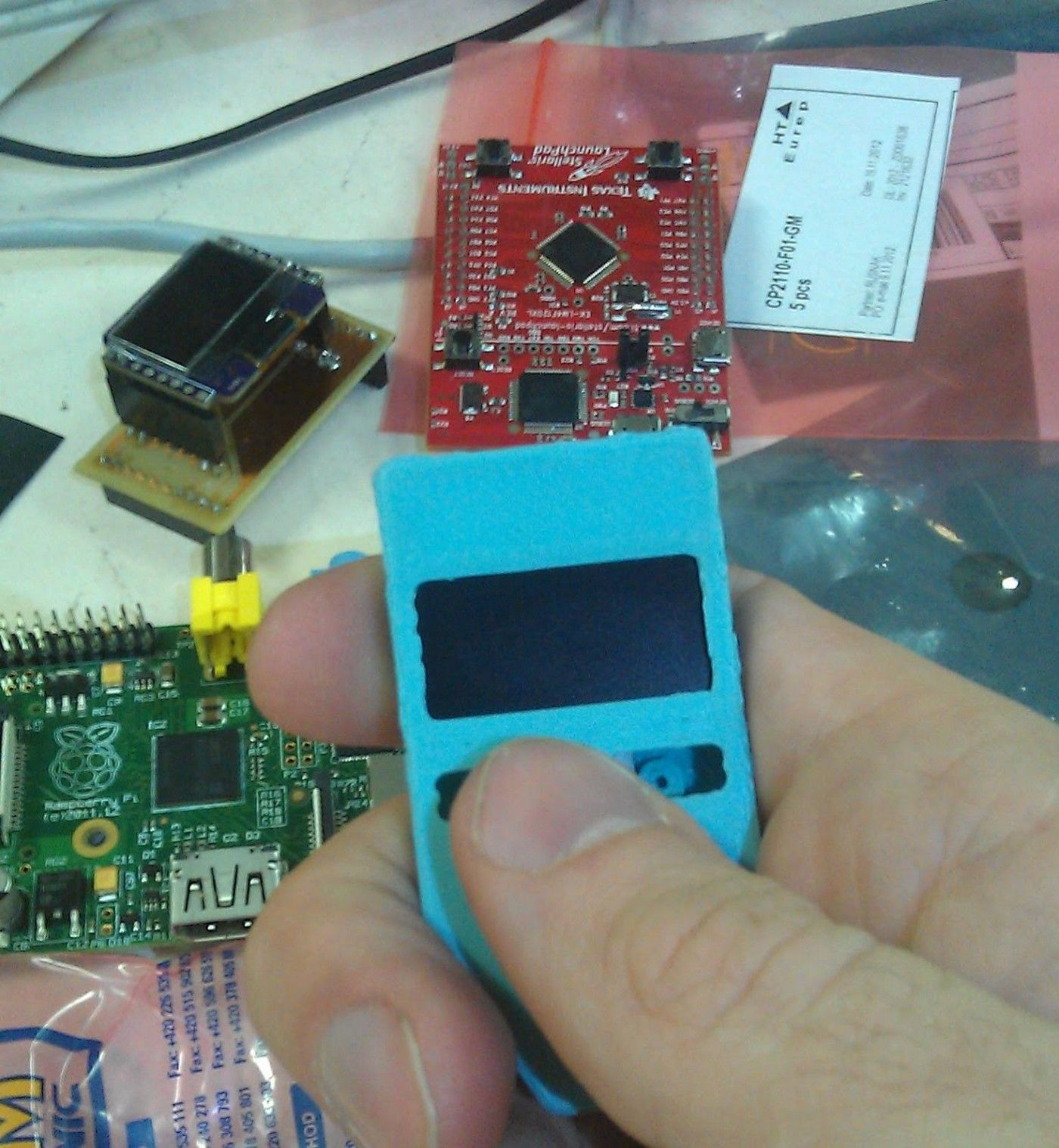
This moves your keys off an internet-connected computer, trading a large and unpredictable set of digital threats for physical risks you can see and plan around. At rest, your seed sits behind a PIN on the device. Hardware devices have two jobs, generating a seed and signing transactions, which leaves it carrying far less attack surface than a general-purpose laptop almost nobody can fully audit.
Why isn't one hardware wallet enough?
Casa has been testing hardware wallets since the company started in 2017, and no single model wins on every dimension. Vendors make different tradeoffs on security, usability, supply chain, and openness. View supported hardware devices here.
I'm open to the possibility that I may have a problem. pic.twitter.com/c4EyurMqNh
— Jameson Lopp (@lopp) July 28, 2020
Whatever device you choose, it is one object, and it can fail in ways you don’t control.
Common failure paths:
- Physical damage or loss. Fire, flood, theft, a move, a family member clearing out a drawer.
- Deprecation. Every manufacturer eventually stops supporting a model.
- Firmware updates. Some wipe the device.
- Compatibility breakage. An OS or browser change can put your bitcoin out of reach at the moment you need it.
- Supply chain tampering. A device intercepted before it reached you, with nothing visible to tell you.
- Disclosed vulnerabilities. A firmware bug weakened seed generation on Coldcard devices for years, and once it surfaced in July 2026 attackers drained more than 1,300 BTC from wallets built on the affected seeds. Casa's breakdown of the Coldcard vulnerability names who the bug reached and what to do about it.
- Phishing. A confirmation button protects you only if you read the screen before you press it. Phishing sits among the threats that take bitcoin off people most often.
Given a long enough horizon, the devices you own now will be lost, retired, or broken. Planning for that beats asking one object to survive everything.
The usual next steps when moving from a single-sig, and where they run out
In Casa's experience, bitcoiners often reach for three fixes.
Better physical security. A safe that is fireproof, waterproof, and access-controlled is an improvement over storing the device loose at home. No one location holds up against every risk at once, and a location you cannot reach is its own failure mode. Investing in better security where those seed live such as better lighting or cameras is a common next step.
A seed phrase backup. This is the answer that ships in the box, and it forces a tradeoff with no clean resolution. Extra copies of a seedphrase add redundancy while multiplying the places someone can steal from, and cutting back to one copy means a single accident can take the whole wallet.
More devices. Bitcoin split across wallets from several vendors, held in separate locations, means no one event takes all of it, and it puts vendor competition to work for you but the cost of this setup arrives later. Every device you add is another seed phrase to secure, another firmware decision to make, and another recovery path to document. In a singlesig arrangement, losing one device costs you the bitcoin on it. Write enough instructions to keep track of it all and those instructions become a point of failure in their own right.
What are the levels of key security?
Key security is a spectrum.
Singlesig. One device, one key, one seed phrase. If you lose the seedphrase and device, or if that device is compromised, you lose your funds.
Singlesig plus a passphrase. A word or phrase only you know extends the seed, so an attacker holding the written seedphrase finds nothing. If you lose either the seedphrase or passphrase, or if the device is compromised, your funds are lost.
A 3-key vault. You hold two keys from different manufacturers and Casa holds a third, and any two of them can sign. Your own two keys move your bitcoin without Casa and losing one key or a having a key compromised does not put your bitcoin at risk.
A 5-key vault. Four of the five keys are yours, Casa holds one key, and any three signatures move the bitcoin. Two keys can go missing before the vault is unrecoverable, doubling the margin that a 3-key vault gives you. Premium members can run one of these alongside a 3-key vault instead of choosing between them.
More keys let you lose one of your signing devices and maintain access to your bitcoin while mitigating single points of failure presented in a singlesig or passphrase setup.
What changes when you go from singlesig to multisig?
A singlesig wallet runs on one key, so every failure mode in the list above lands on that at some point. A 3-key vault splits signing across three keys. You hold two of them, one on a hardware device and one in your phone's secure enclave, or two hardware devices if you prefer. Casa holds the third key and any two of the three keys can sign, which means your own two keys can move your bitcoin without Casa.
Keeping those keys in separate locations answers the physical single point of failure problem.
- A spilled coffee, a house fire, or a firmware update that wipes a device might eliminate one key, but the vault keeps working and you can rotate out the damaged or lost key.
- With a multisig, you can spread hardware keys across manufacturers so that no single device type accounts for a quorum. The Coldcard vulnerability showed what happens without multi-vendor security. A vault built entirely from one manufacturer's devices loses its protection the moment that manufacturer ships a flaw.
- Replacing a lost or damaged key becomes routine maintenance instead of an emergency.
Casa holds a key on every vault, and that key is never required to move your bitcoin. It exists for recovery and to make signing transactions more convenient.
You can export your vault's wallet descriptor at any time and Casa recommends that you keep your own copy of it. Your wallet descriptor tells any compatible wallet where your bitcoin lives, and your keys that you control are what move it.
What else comes with a Casa multisig vault?
Splitting and managing your keys is half of what you get as a Casa member. The support ecosystem and security practices that surround those keys is the other critical part. Casa Advisors complete the multisig security experience. Casa advisors walk you through generating each key, verifying it on the device screen, and rotating one out when a device dies or a manufacturer discloses a bug. Additionally, Casa advisors carry a verification code that you can request before any 1:1 contact to prevent phishing. Membership levels differ in how much of that service you get and in how many keys your vault carries, which Standard, Premium and Private Client sets out side by side.
Premium and Private Client members can optionally turn on Guardian Mode. With Guardian Mode enabled, the Casa Key is required to co-sign every transaction you send through the Casa app, after a video verification call and a two-day wait. Guardian Mode gives you a reason to slow down at the exact moment an attacker needs you to hurry. Guardian Mode governs signing through Casa, so you can still back up your vault yourself and reach your bitcoin with your own keys. Turning it off takes the same video verification call, anytime you want.
Where should you store your seed phrase?
Seed phrase advice only works when it names the setup it applies to. The right place to keep a phrase changes depending on where your redundancy comes from.
Singlesig. Store the seed phrase separately from the device. Separation is the only redundancy you have, because the device or the seed can provide access to your bitcoin.
Singlesig with passphrase. Store the seed phrase and passphrase together but separately from the device. If you lose your passphrase or seedphrase and your device is lost or damaged, you lose access to your digital assets.
A multisig vault. Keep each seed phrase with its key. Redundancy already comes from keys distributed across locations, and pulling a phrase away from its device adds objects to track without adding safety.
Testing recovery matters as much as storing the backup. The two methods prove your vault and keys are recoverable outside of Casa are:
- Before funding any vault, wipe the devices and rebuild it from the seed phrases alone.
- Buy a second device of the same model, rebuild from the seed phrase, and confirm you reach the same wallet.
Start securing your bitcoin for the long term
Depending on how many keys and how much support you want surrounding your bitcoin storage, Casa has the right membership for you. With Casa, you always hold your keys on your own devices in places you choose, and Casa holds one that is never required to move your bitcoin. Lose a key and you can still spend, and replace what went missing.
Interested in learning more about multisig? Book a call with our team.